

The Definitive Cloud Migration Toolkit for 2025
Moving to cloud infrastructure changes how a business runs, not just where its servers sit. Whether beginning an initial move from on-premises systems or optimizing current cloud deployments, knowing the whole path is what separates a quiet migration from an outage. For foundational understanding, review our cloud-first concepts guide.
Understanding the Foundations of Cloud Migration
Successful transitions require three preparatory phases:
Assessment Phase: Conduct detailed environmental reviews cataloging applications, databases, and network configurations. Map interdependencies between systems and collect performance metrics revealing utilization patterns and efficiency gaps.
Business Objectives Definition: Establish quantifiable success targets, whether reducing costs by 30% or improving response times by 50%, to guide subsequent decisions.
Cloud Readiness Evaluation: Analyze each application’s cloud compatibility and identify implementation risks, distinguishing between cloud-ready systems and those requiring modification.
Deciding Your Migration Strategy
Rehosting (Lift and Shift)
Moving applications with minimal architectural changes suits legacy systems difficult to modify, urgent datacenter exits, and resource-constrained organizations. For more on when lift-and-shift is appropriate, see our post on why cloud migrations fail.
Advantages: fastest deployment, minimal upfront investment, reduced complication risks, immediate savings.
Refactoring (Repackaging)
Moderately modifying applications to better utilize cloud capabilities while maintaining core structure benefits systems needing performance improvements or scalability enhancements.
Trade-offs: balanced effort-to-benefit ratio requiring extended timelines and platform expertise.
Rearchitecting (Rebuilding Architecture)
Significantly redesigning applications for cloud optimization suits systems requiring major scalability, high availability, or modernization.
Benefits: full cloud-native access, maximum scalability, superior long-term optimization.
Costs: substantial expertise requirements, higher initial expenses, complex management.
Rebuilding (Rewriting)
Complete application reconstruction using cloud-native technologies eliminates technical debt in outdated systems.
Advantages: comprehensive cloud capabilities, legacy code elimination.
Disadvantages: significant initial investment, new skill demands, temporary parallel operations.
Replacing (Repurchasing)
Discontinuing existing applications for SaaS alternatives streamlines standardized processes like HR and CRM management.
Benefits: minimized customization burden, modern features, predictable expenses.
Making the Right Choice
Selection criteria include business criticality, technical complexity, resource availability, timeline constraints, and future scalability needs. Organizations typically employ multiple strategies across diverse applications, critical customer systems warrant rearchitecting while internal tools suit rehosting and HR platforms benefit from SaaS replacement. Working through these trade-offs systematically is the difference between a coherent portfolio and a patchwork. Our build-vs-buy framework lays out the questions to ask in each case.
This “migrate then modernize” approach balances risk management with resource optimization.
Security, Compliance, and Infrastructure Planning
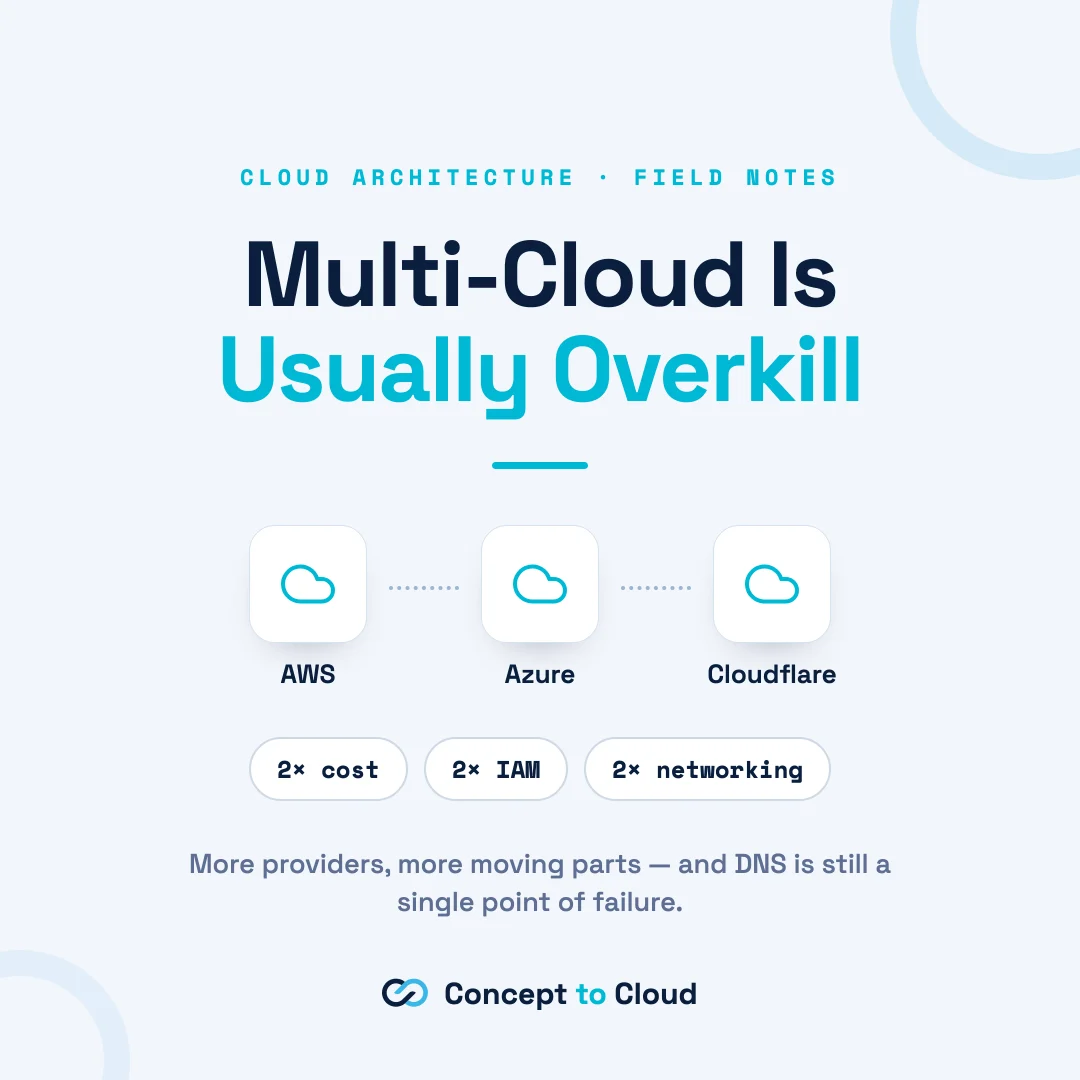
Address regulatory requirements (GDPR, HIPAA) and implement comprehensive security controls including identity management and encryption. Evaluate cloud models, Infrastructure as a Service (IaaS), Platform as a Service (PaaS), or Software as a Service (SaaS), and deployment options: public, private, hybrid, or multi-cloud.
Provider selection requires evaluating service offerings, pricing structures, and support capabilities across major platforms.
Architecture and Planning
Scalability and High Availability
Implement auto-scaling policies automatically adjusting resources to demand fluctuations. Deploy load balancers and content delivery networks distributing traffic across multiple instances. Establish multi-zone and multi-region redundancy to mitigate single-point failures.
Network Architecture
Create isolated virtual networks segmenting workloads and controlling traffic flow. Subdivide into subnets implementing access controls. Select appropriate connectivity, VPNs, Direct Connect, or VPC Peering, establishing secure on-premises-to-cloud connections.
Develop a Detailed Migration Plan
Timeline Creation
Establish realistic schedules broken into manageable milestones, accounting for workload complexity, team availability, and dependencies. For realistic timeline expectations, read our guide on how long cloud projects take.
Resource Allocation
Assign clear roles and responsibilities identifying required expertise, cloud architects, network engineers, database administrators.
Communication Plan
Maintain stakeholder transparency through regular updates and status reports, building trust and managing expectations.
Pilot Testing
Proof of Concept
Migrate non-critical workloads testing migration tools, procedures, and configurations in controlled environments.
Issue Identification
Address performance bottlenecks, security vulnerabilities, and configuration errors before full-scale implementation.
Data Migration and Execution
Select appropriate transfer methods, online transfer, physical shipment, or streaming synchronization, based on data volume. Implement rigorous validation ensuring data integrity throughout migration. Move in phases, automate what you can, and watch performance throughout.
Ensuring Long-term Success
Invest in comprehensive staff training and maintain updated procedural documentation supporting organizational adoption.
Disaster Recovery and Backup Planning
DR Strategy: Develop comprehensive recovery procedures incorporating automated failover, regular testing, and tested backup-restoration processes.
Backup Solutions: Implement reliable backup services with regular scheduling and retention policies, consistently testing restoration effectiveness.
Decommission Legacy Systems
Resource Shutdown: Systematically power down on-premises infrastructure following verified data migration, implementing security measures protecting sensitive information during decommissioning. A phased plan helps avoid the trap of paying for both environments indefinitely. Our first 90 days playbook walks through the sequencing in detail.
Ready to Start Your Migration Plan?
Concept to Cloud is run by highly accomplished, ex-NASA engineers and architects. Talk to us if you want a second pair of eyes on the plan. Learn more about our cloud solutions services and how we’ve helped organizations like NASA JPL with PIXLISE.
Ex-NASA engineer and cloud architect with over a decade of experience building scalable systems for startups and enterprises.
Work with Tom →